
How to use the QMatrix
Using the QMatrix will allow you to:
- Compare the project requirements with your company’s PQRs, WPSs and Welder Qualfications instantly.
- Select the proper PQRs, WPSs and Welders by searching through base metals, filler metals, thicknesses, diameters, etc
- Avoid overlapping certificates
- Ensure the qualification of your company from the kick-off of the project
Instructions
- Navigate to https://notes.apps.indusuite.com/pqrs
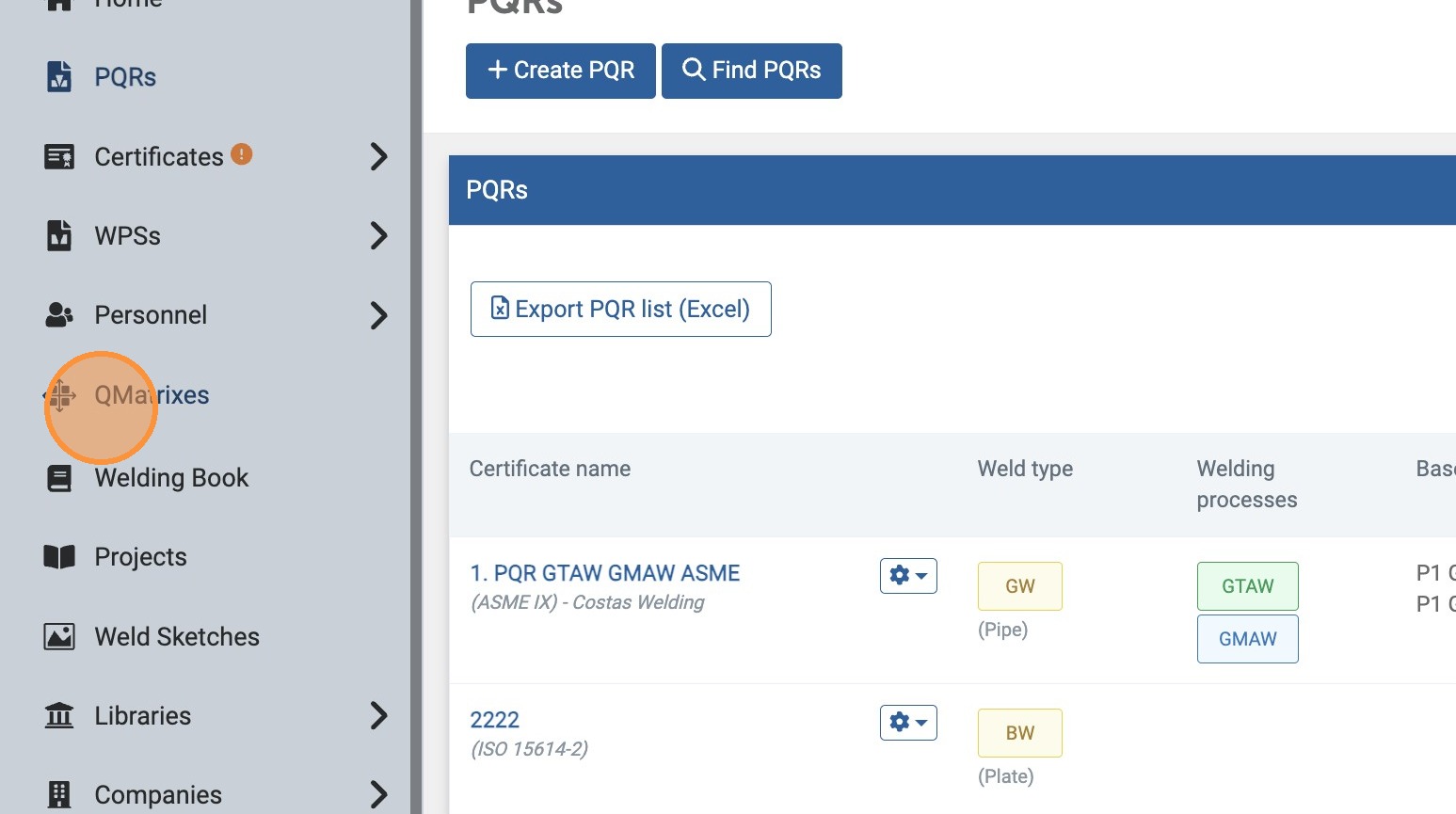
- Click "QMatrixes"
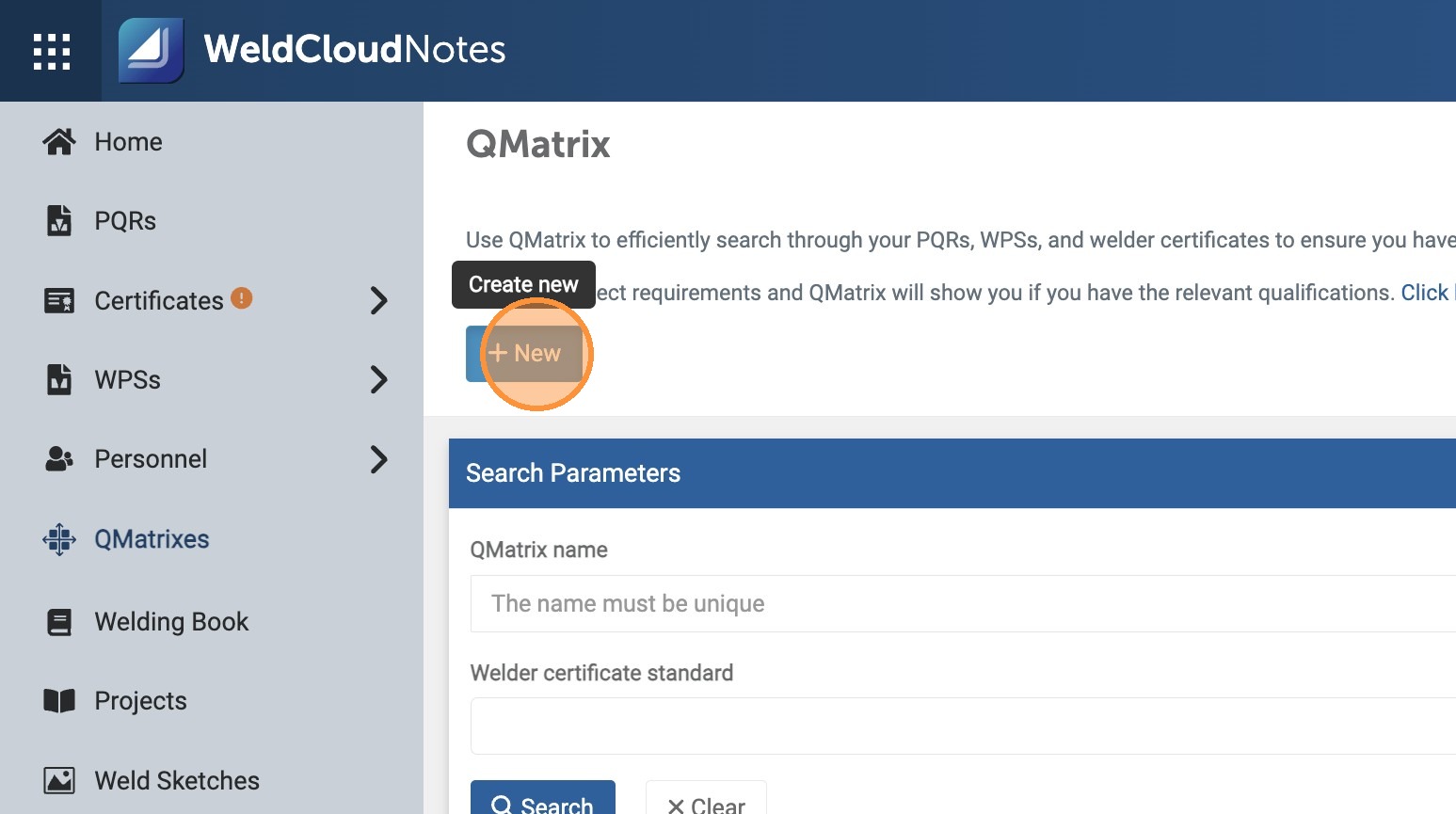
- Click "New"...
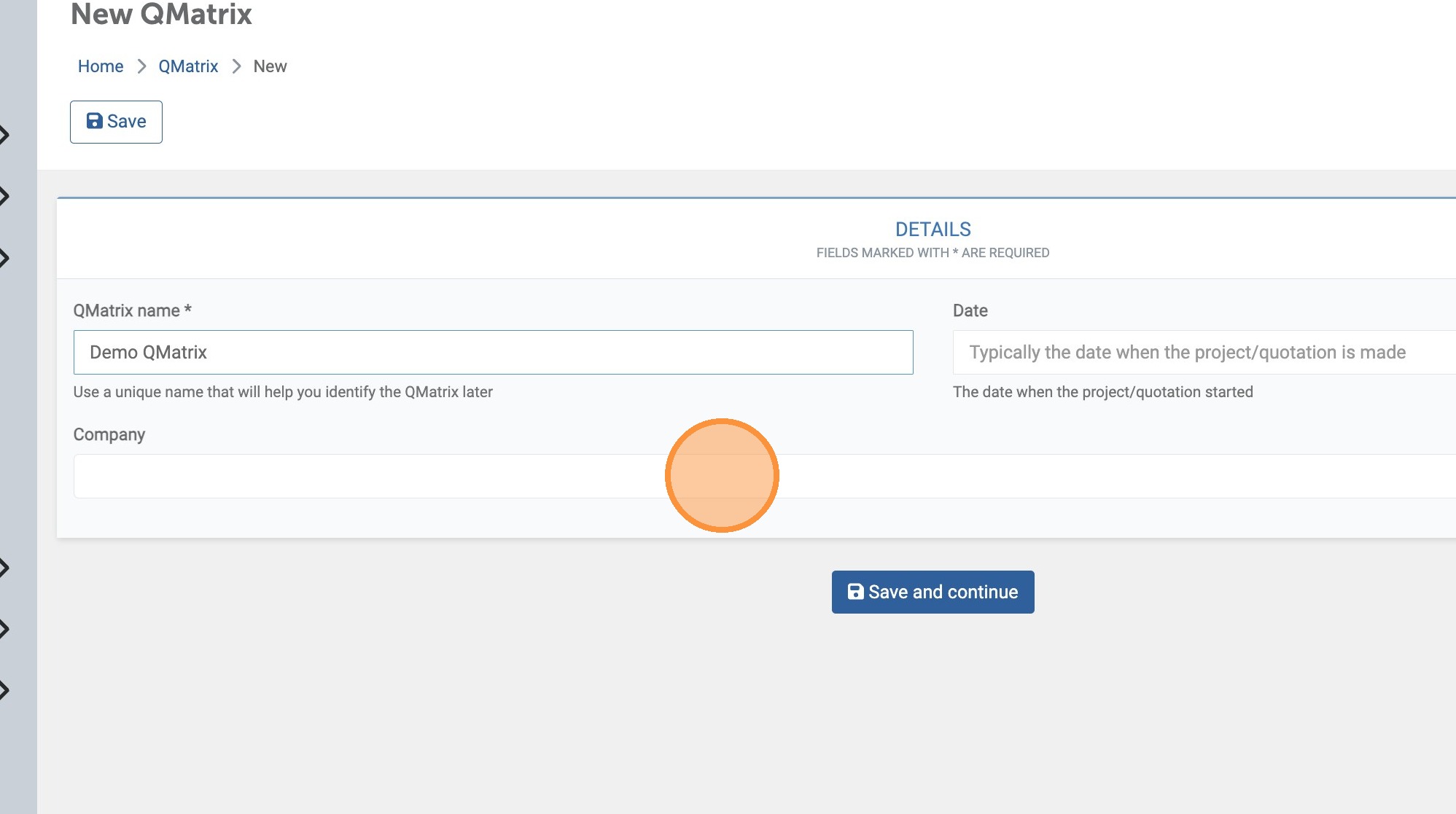
- and enter a name for your QMatrix.
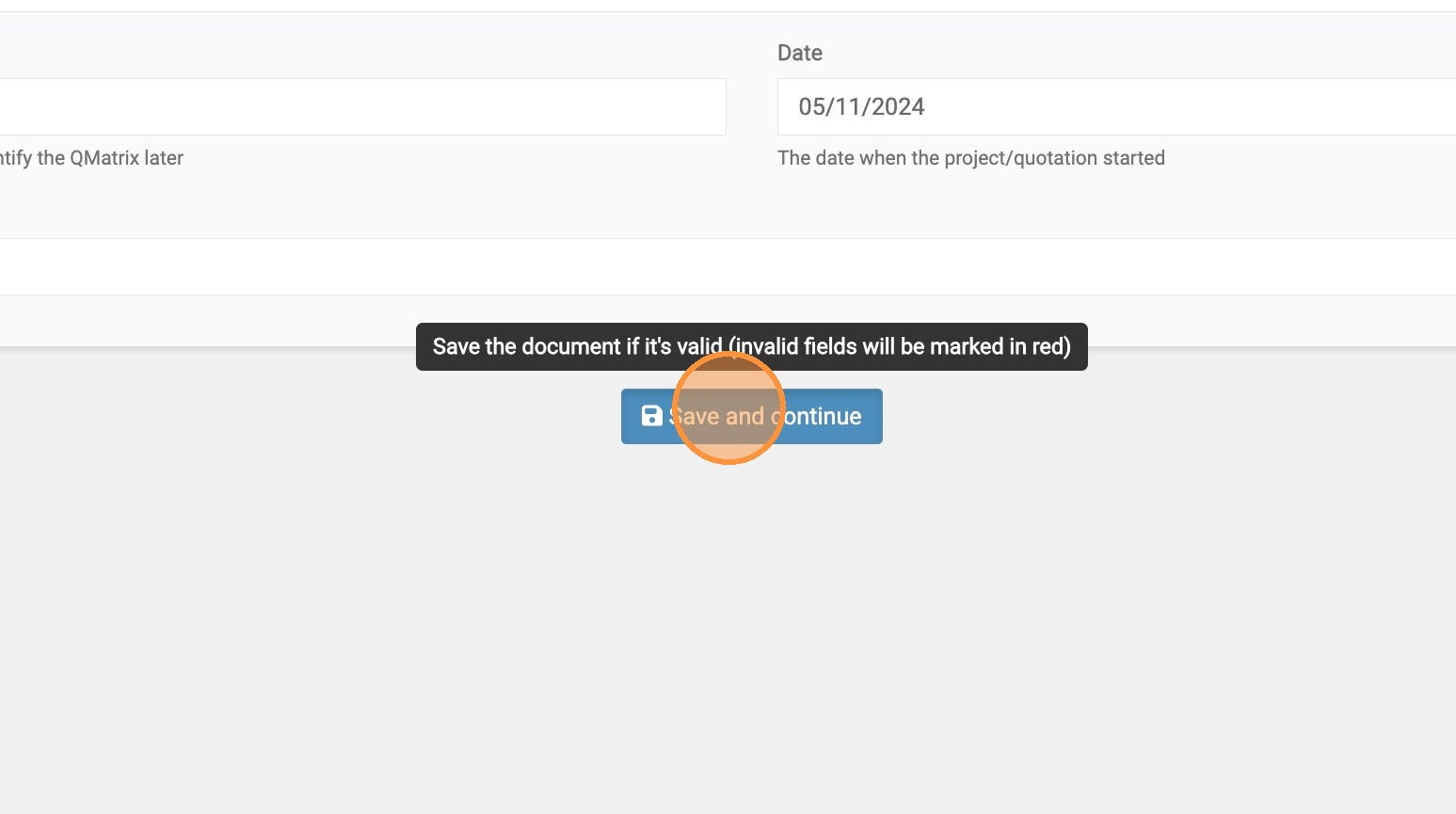
- Once finished, click "Save and continue".
- To select the Pipes you're going to weld in your Project, search and then ADD them to your Matrix.

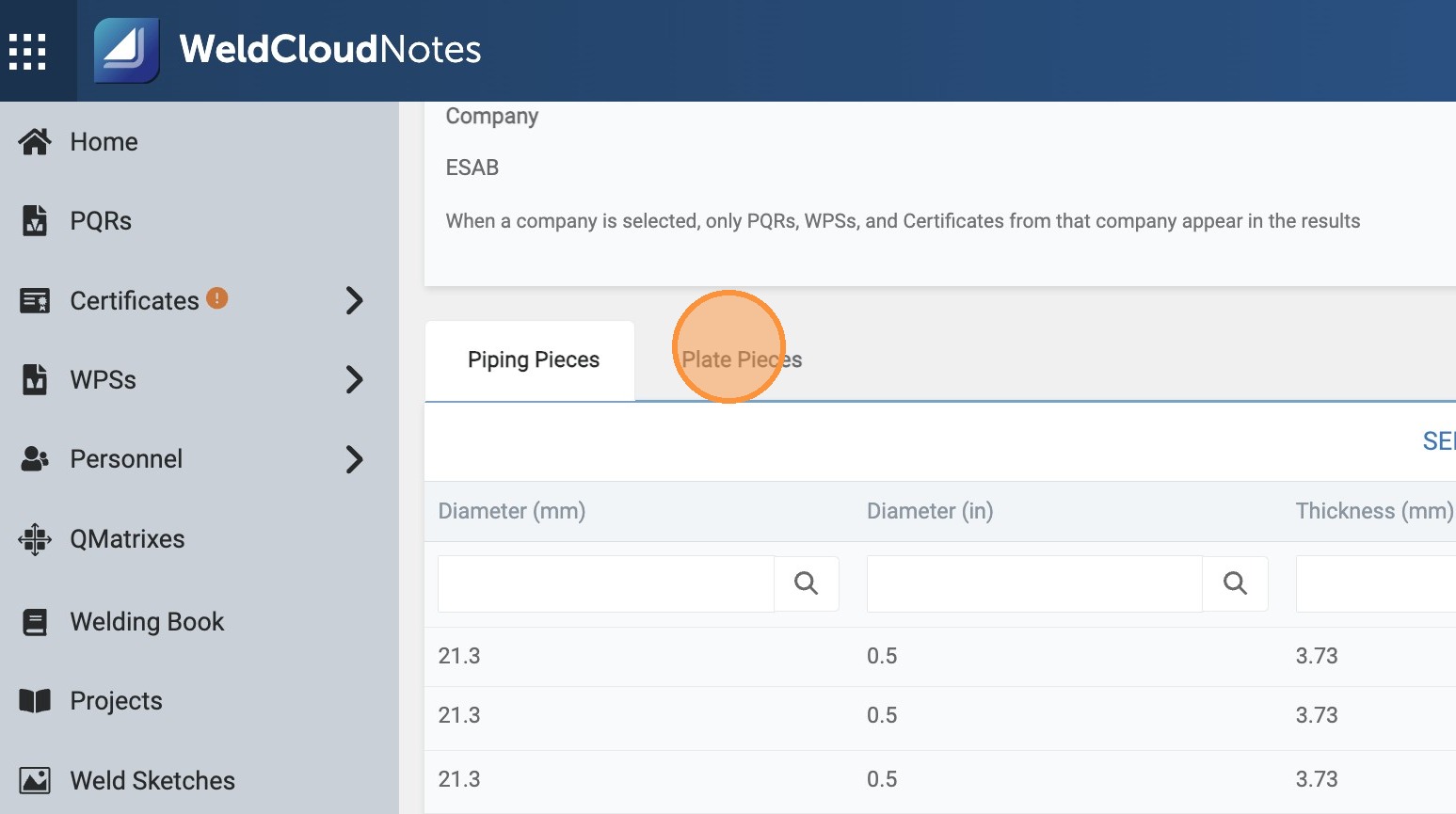
- Click "Plate Pieces"

- Use the same procedure to select the Plates for your Project.
- Once you're ready, Save your QMatrix and...
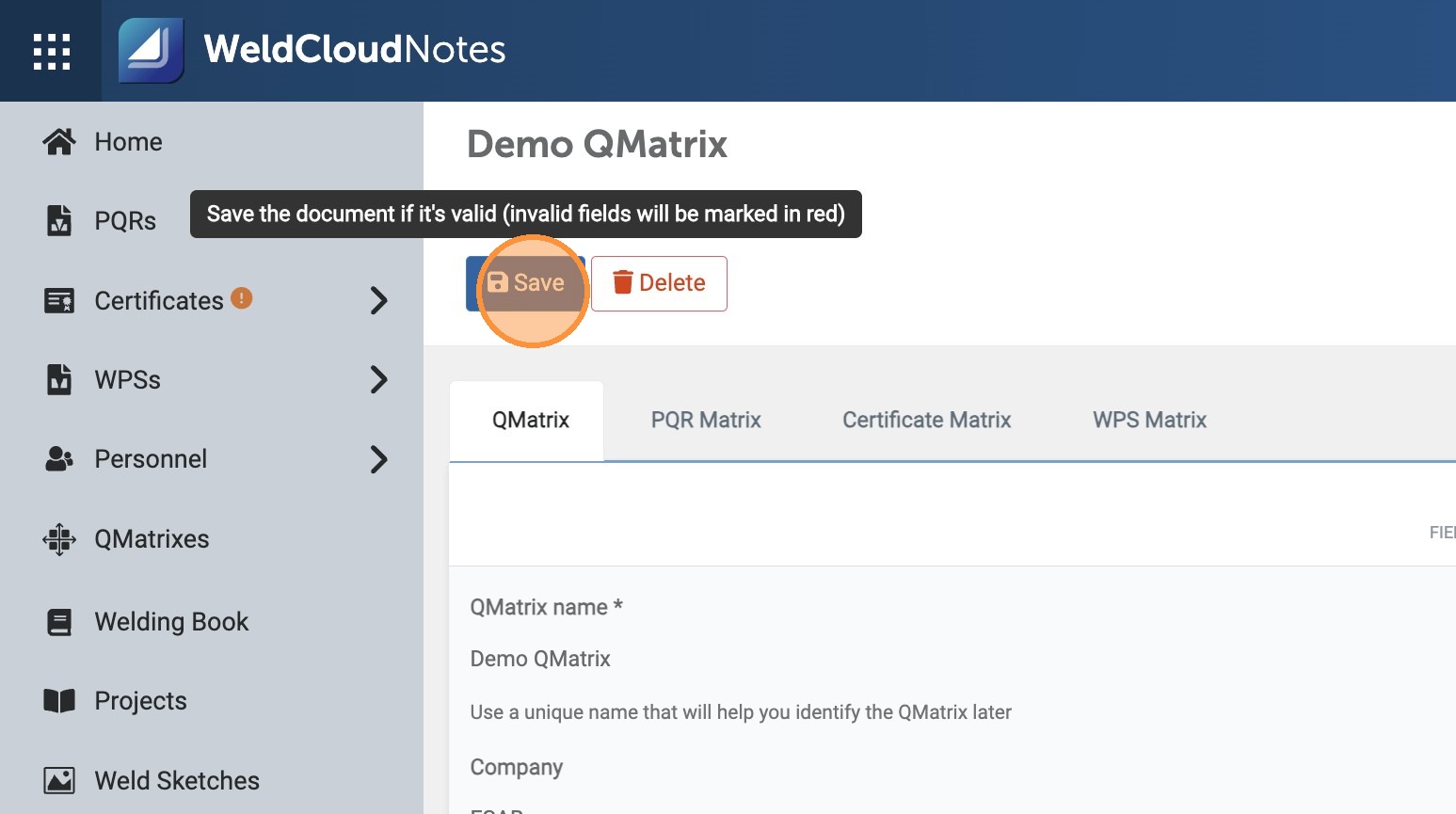
- ... move on to the PQR Matrix tab.
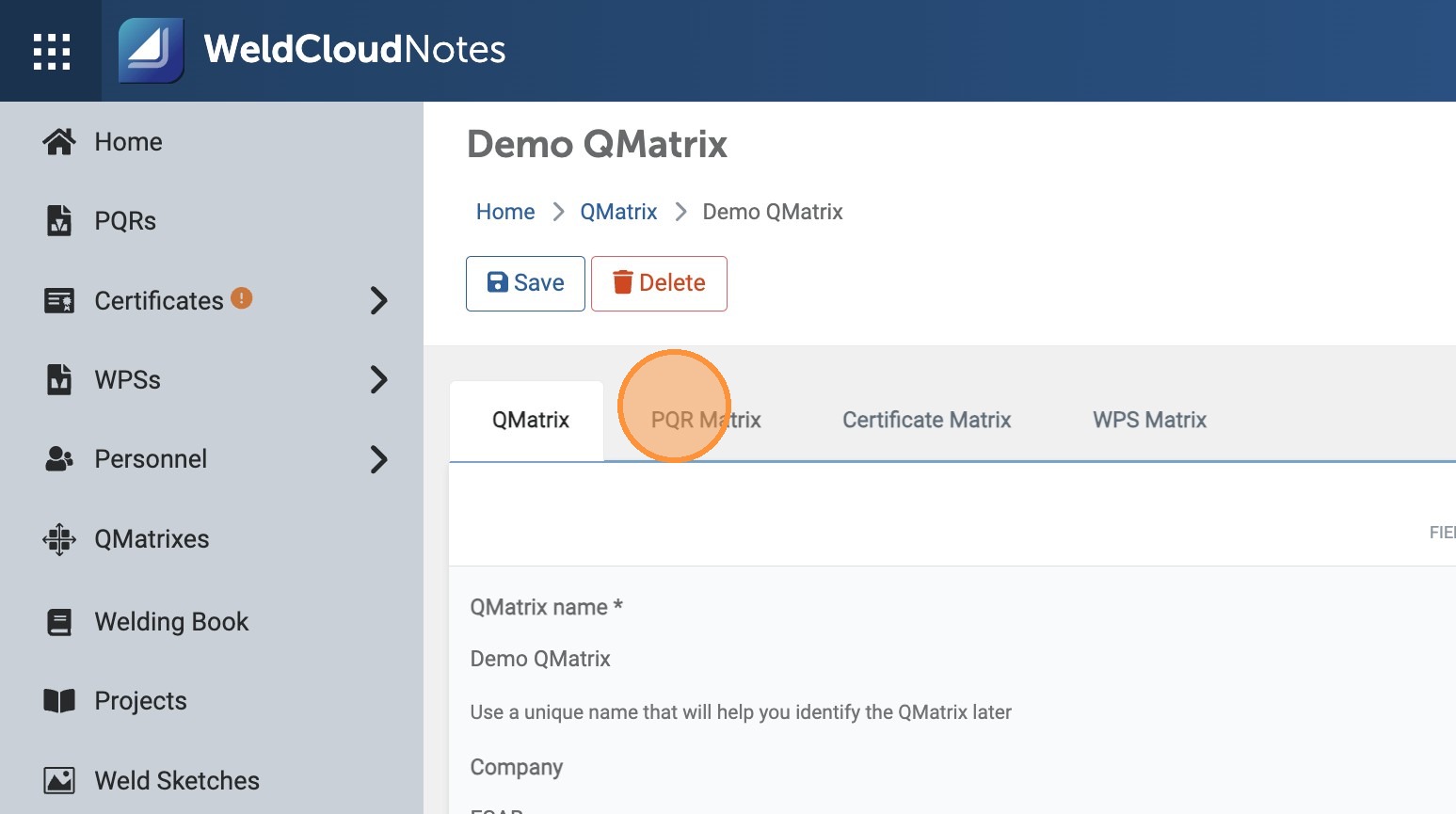

- Start filtering by choosing the Standard you'll be working on your Project, and then enter some more details.\
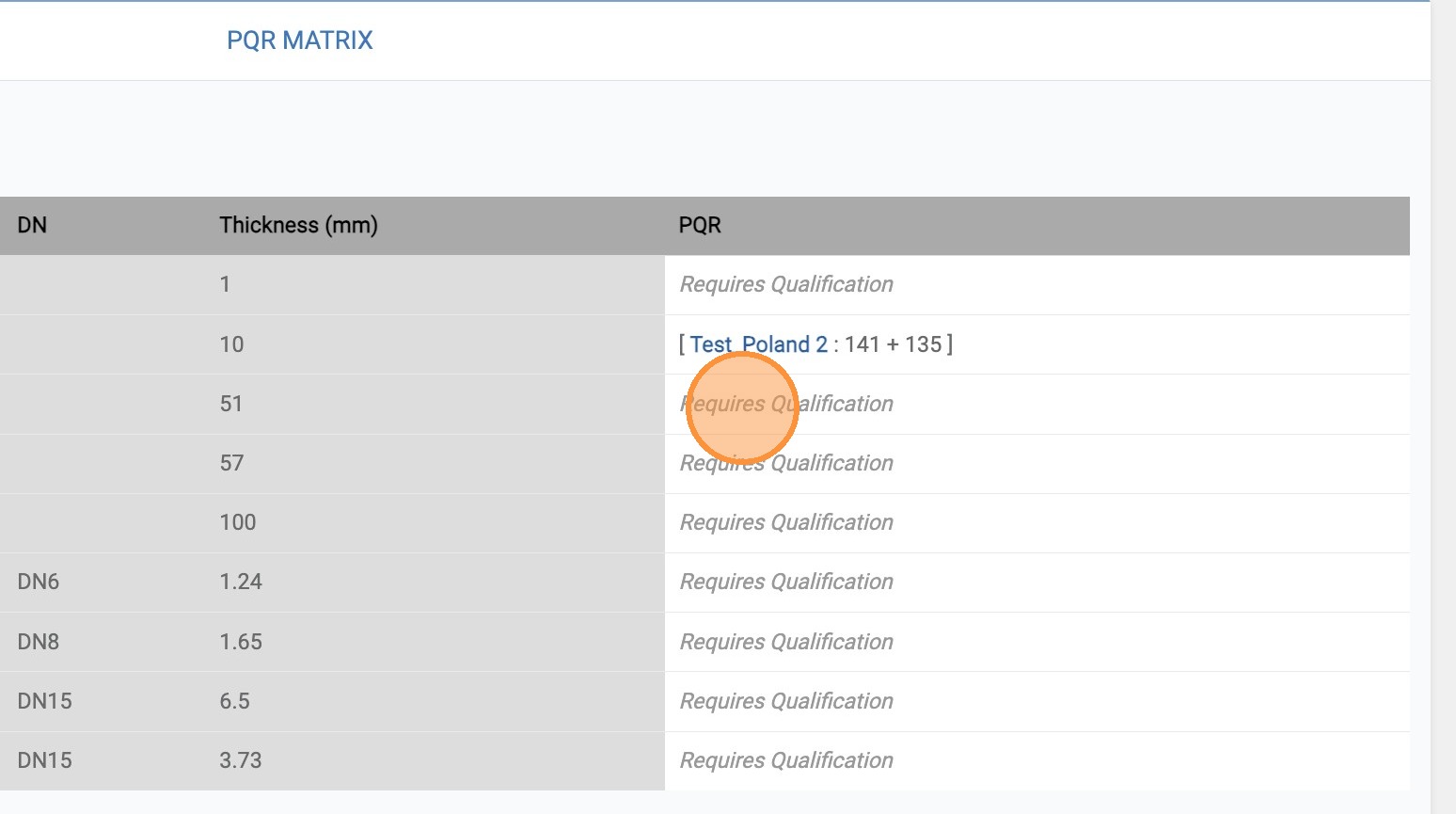
When you have all the filters set, click "Preview"...
- The results will show you if you are Qualified for your Project, or need additional Qualifications.


- Move over to the "Certificate Matrix" and follow the same procedure.\
At the end, you'll know if your Welders have the necessary Qualifications.
- Last, but not least, click "WPS Matrix" and check if you need to create new WPS's.
Updated on: 25/03/2026
Thank you!