
How to Add your Company Logo in WeldCloud Notes
You can add your Company logo in WeldCloud Notes, so it will be visible when you print the PDF files of PQR's, WPS's, WPQ's and Project Data Books.
Follow the below instructions and lear how to easily do it:
1. Navigate to https://notes.apps.indusuite.com/
2. Click here.
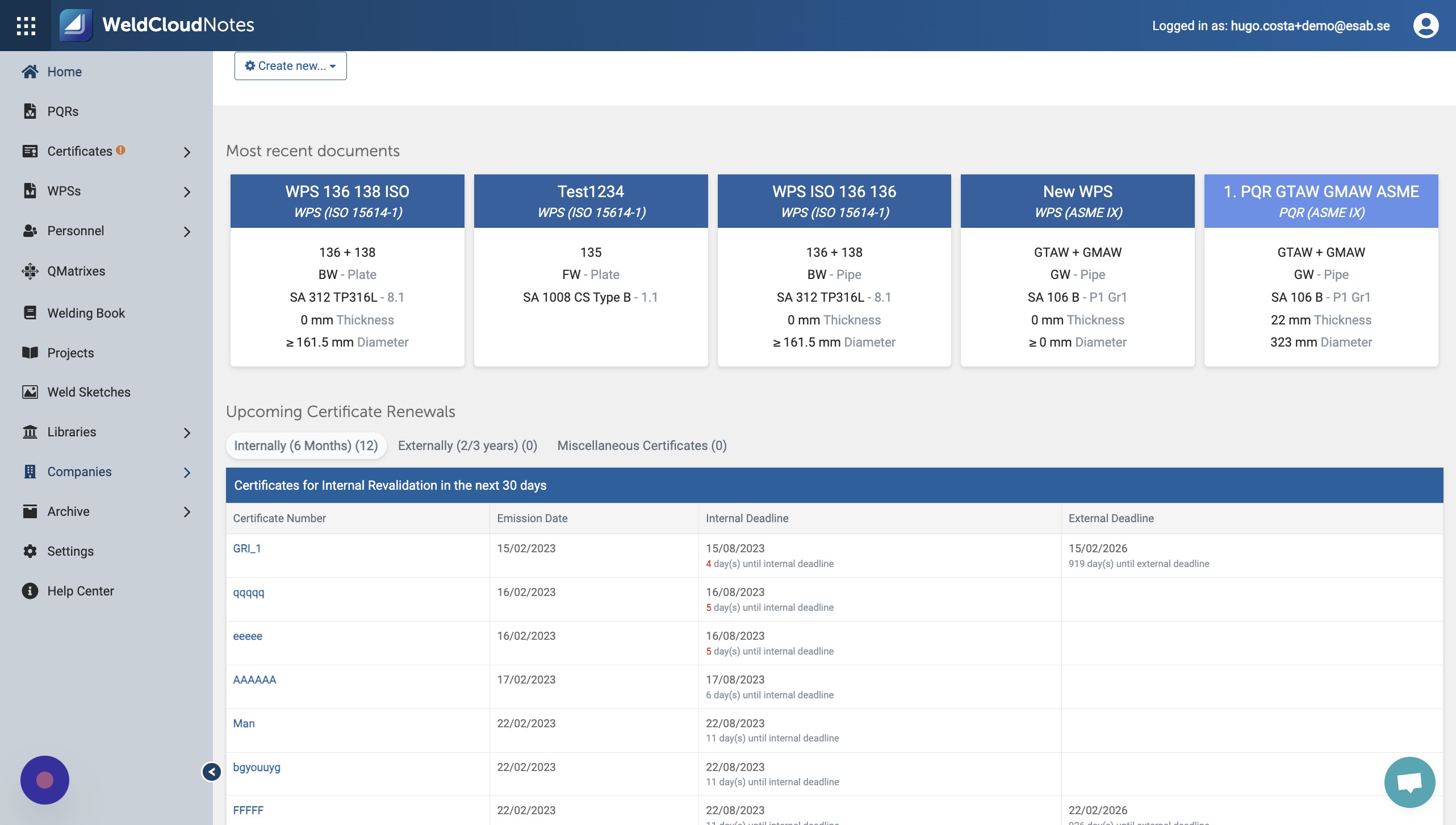
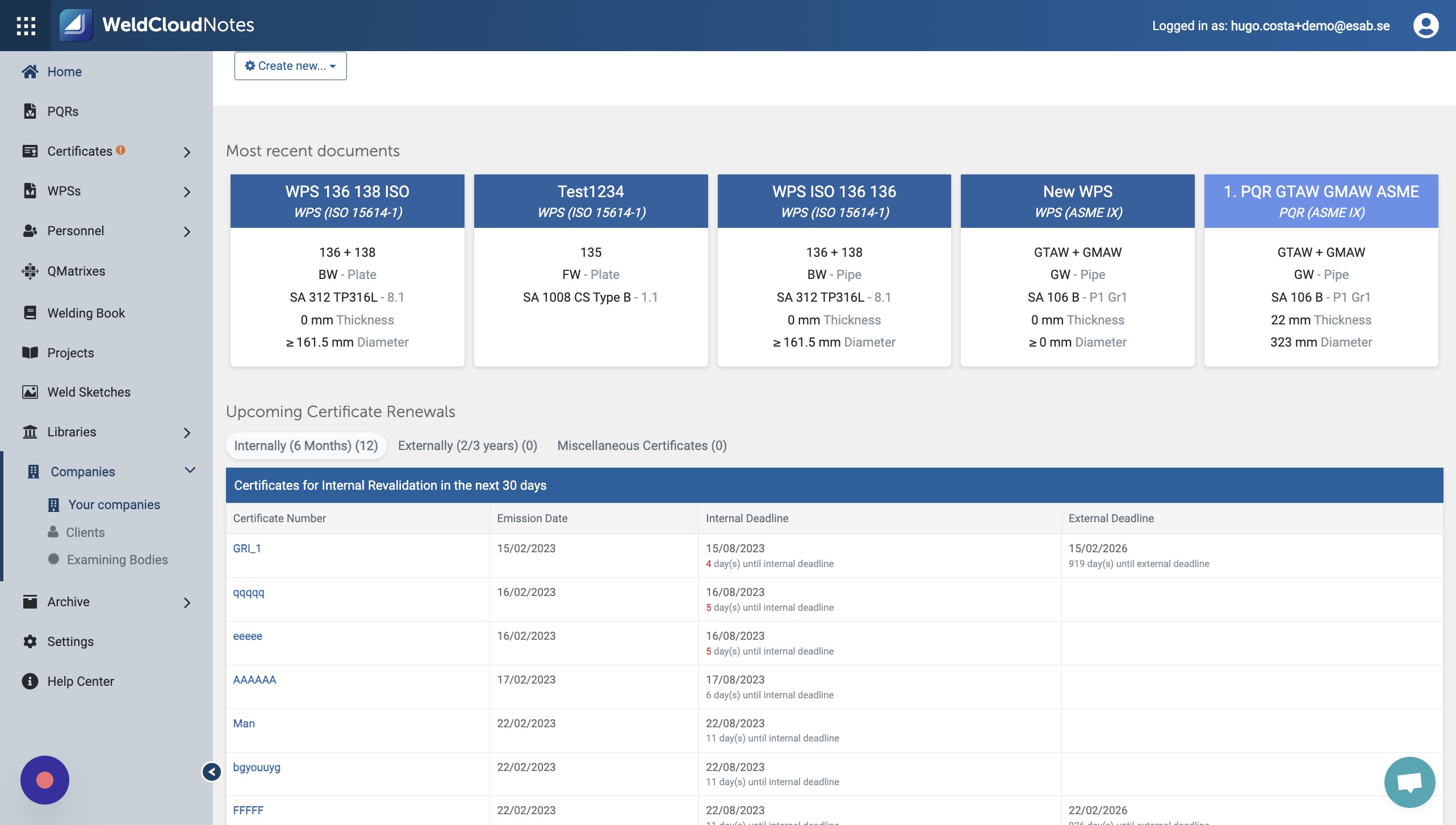
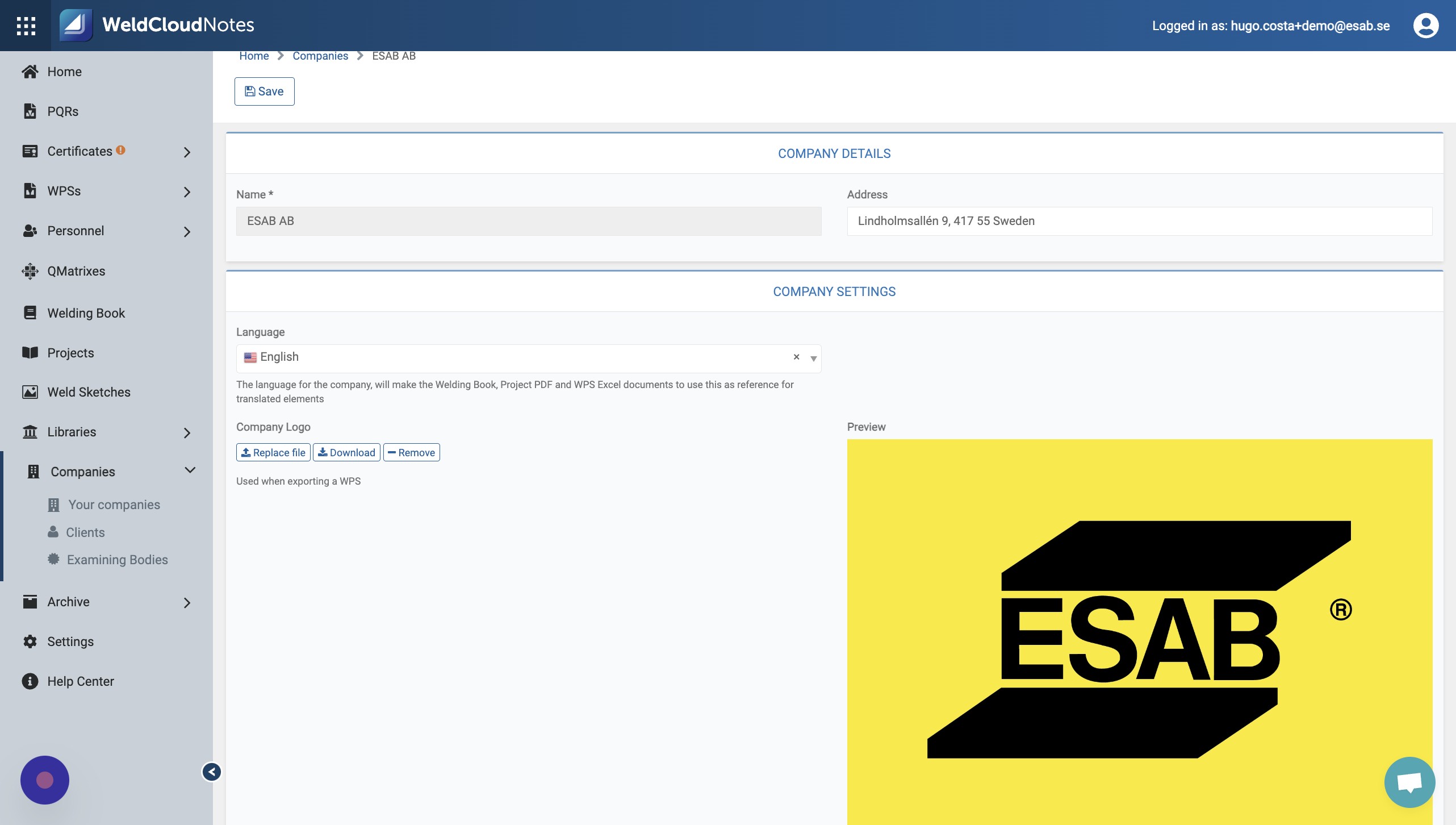
3. Click "Your companies"
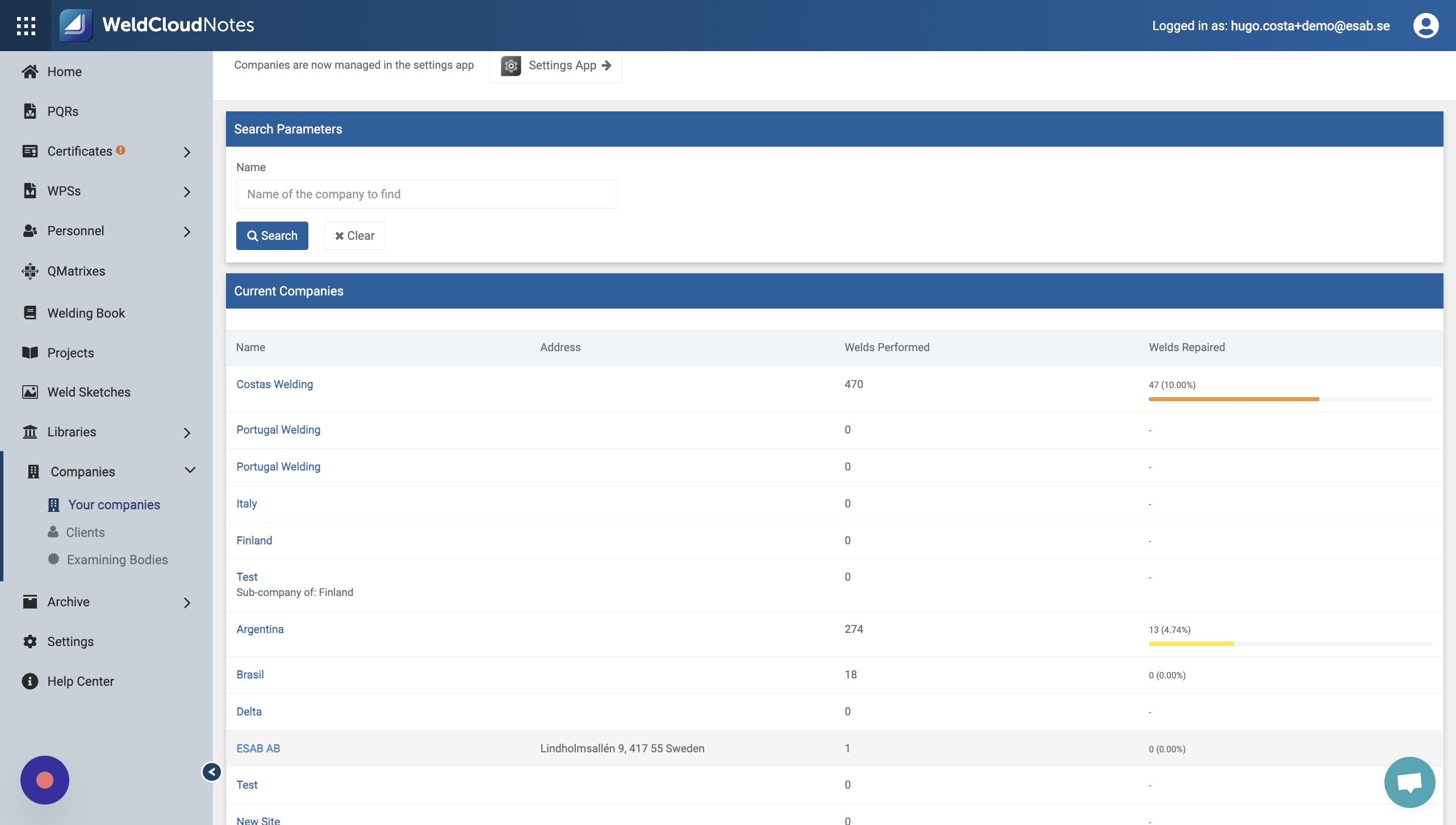
4. Click "ESAB AB"
5. Click "Add file"
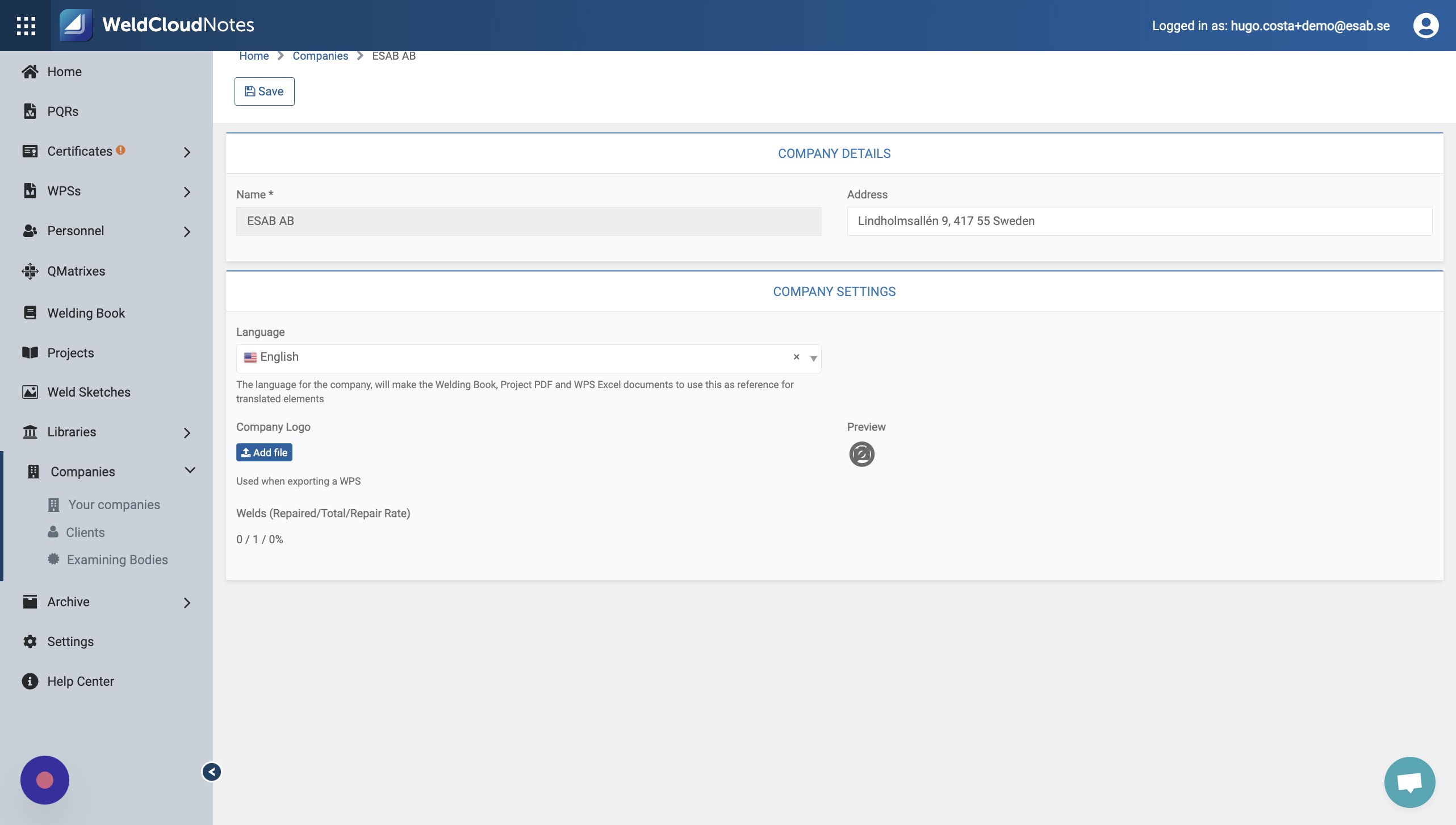
6. Your image will be uploaded to WeldCloud Notes.
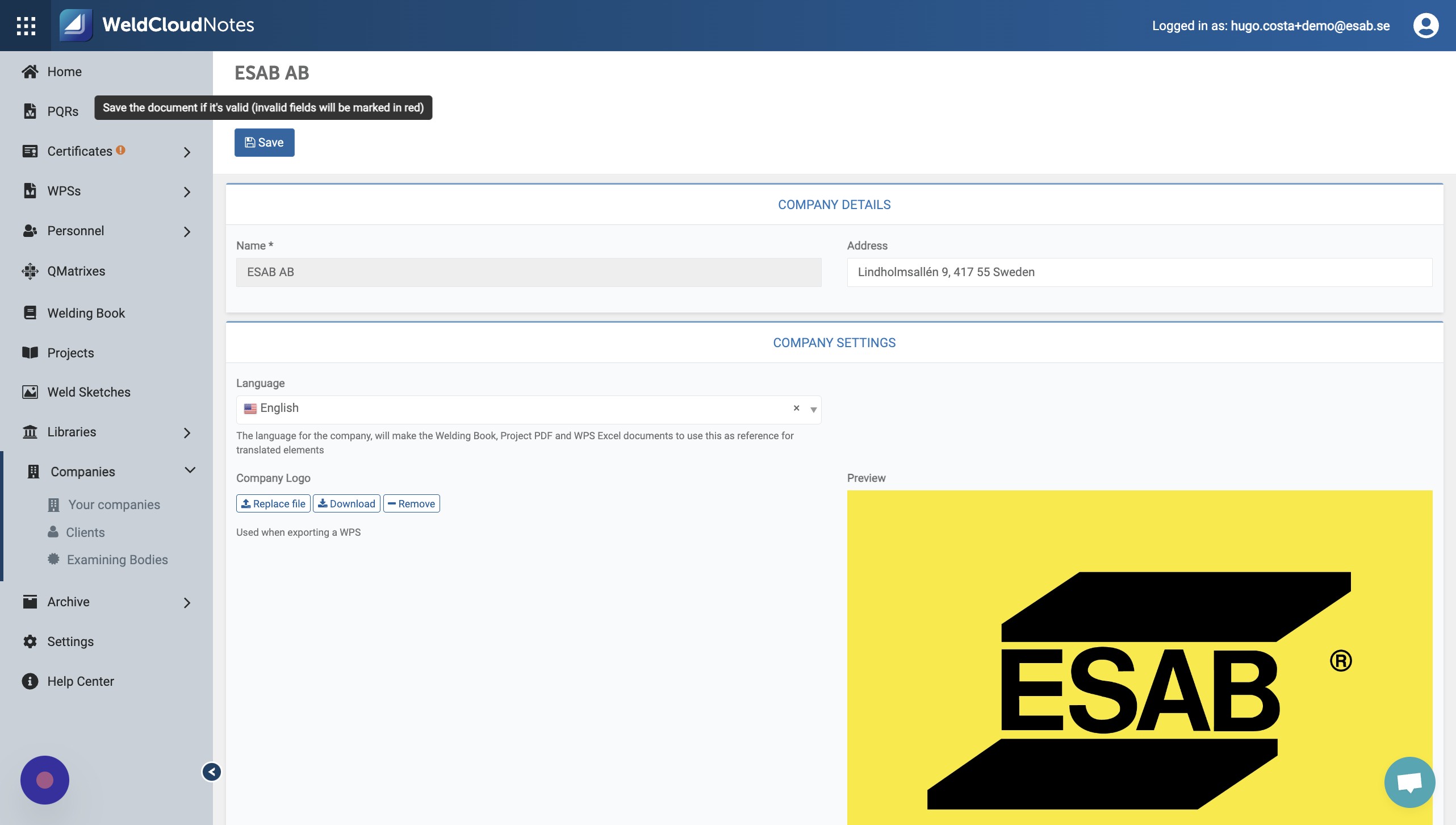
7. Click "Save".
Updated on: 09/07/2026
Thank you!